· By Vera Kaliskova
What is Stoploss and how to set it in MetaTrader 4
In this article we will go step by step through what Stoploss is and how to set it up in MetaTrader 4.
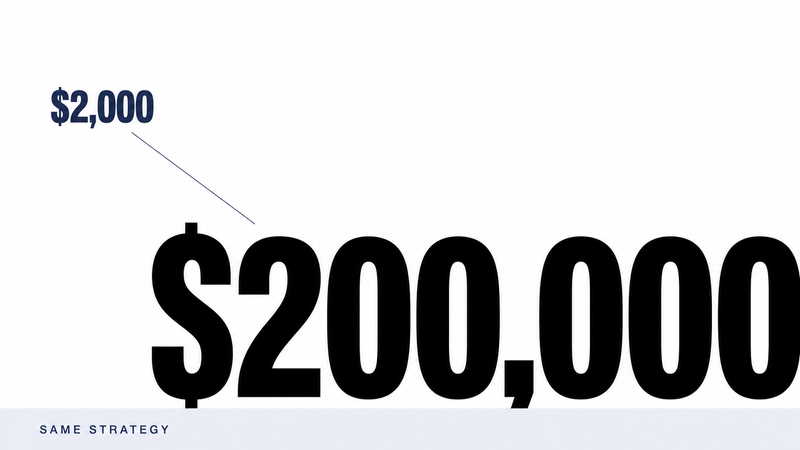
Stop loss is a risk management tool to increase the protection of your investments and is based on a pre-defined maximum loss that the trader is willing to accept. It is recommended to risk 2 to 5% of the account per trade. A large number of novice traders underestimate or do not use this trading order and unnecessarily expose themselves to a high risk of losing their capital.
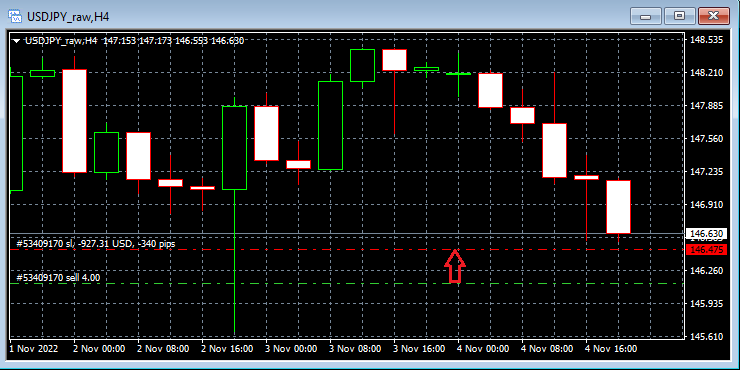
Stop Loss (SL) is a protective trade order that limits the possible losses from an open position. This order automatically closes the trade the moment a certain price level or loss amount is reached. A stop loss is placed either to limit losses or to ensure profits. In the second case, the SL order is placed in a profitable area.
How to set 4 stop loss in MetaTrader
You can do this either in the order window and manually set a stop loss, see picture.
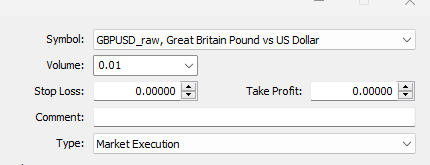
Alternatively, if you do not do so, you can edit the order at any time and add a stop loss later.
Alternatively, if you do not do so, you can edit the order at any time and add a stop loss later.
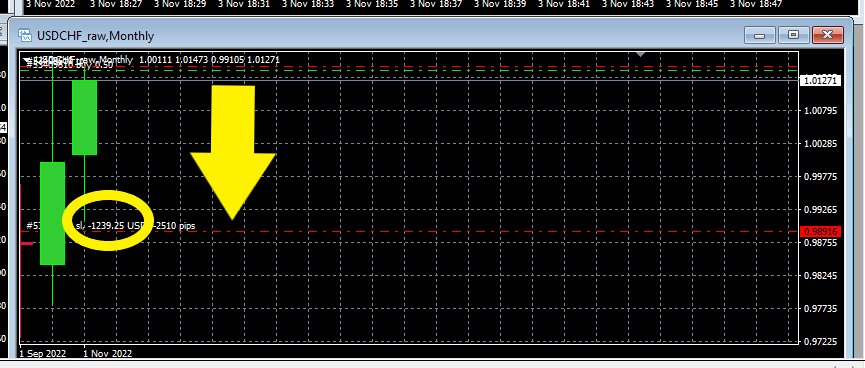
Or you can simply drag the line from the price level where you bought/sold and drag it up or down depending on whether you bought or sold, see picture.
We hope that you found this article helpful and that you learned something new.